Website Help · Website Planning
How to Plan Your Website Before Hiring a Web Designer
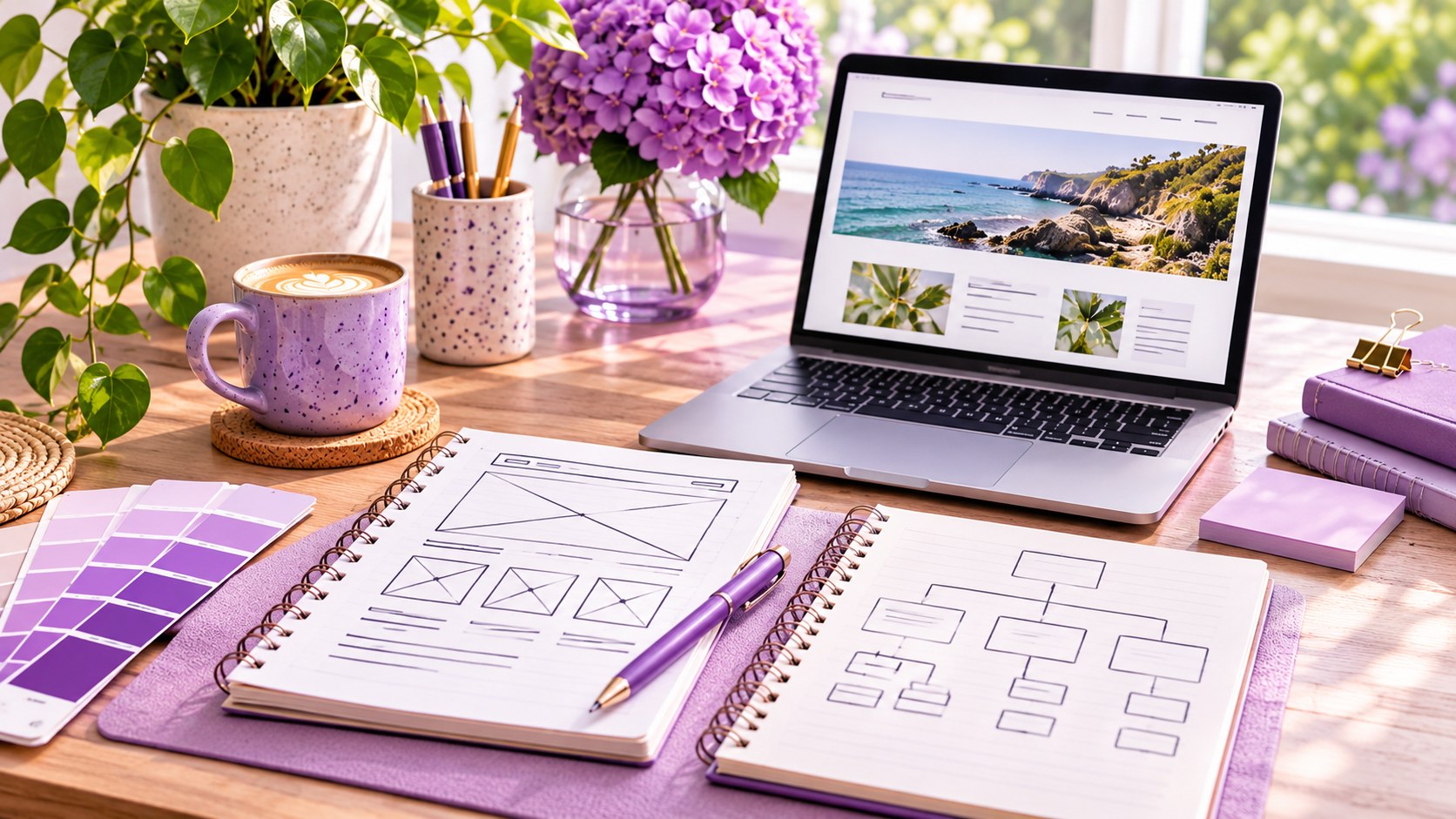
Get ready for a new business website with a practical planning checklist covering goals, pages, content, branding, functionality and ongoing costs.
How to Plan Your Website Before Hiring a Web Designer
One of the best ways to make a website project run smoothly is to do a little thinking before you contact a designer.
You don't need to arrive with a finished design, technical specification or perfectly written content. In fact, working through those details together is often part of the designer's job. But knowing what your business needs will make the process faster, clearer and much less stressful.
Here's a practical way to prepare.
Start with the purpose of your website
Before choosing colours or browsing templates, decide what you want the website to achieve.
Do you want people to request quotes, book appointments, purchase products, learn about your services or simply find your contact details? You can have more than one goal, but identify the most important one.
For example, a local tradesperson might want more qualified enquiries, while a community organisation may need to explain its programs and encourage volunteers to register.
Think about your ideal customers
Who are you trying to reach? What problems do they need solved? What information would help them choose your business?
Try writing down five questions customers ask you regularly. These often become the basis for useful website sections, service descriptions and FAQs.
Don't worry about marketing jargon or complicated customer personas. Start with the people you already speak to.
Make a simple list of pages
Most small business websites begin with a manageable structure:
- Home: A clear introduction and pathways to key information
- About: Who you are, your experience and what makes your approach different
- Services: What you offer and who each service is for
- Projects or testimonials: Real examples and evidence of your work
- Contact: The easiest ways to get in touch
You may also need individual service pages, an FAQ, booking information, an online shop or a blog.
A page list isn't a commitment to a particular design. It's a starting point for discussing the information your visitors need.
Gather your existing content
Collect your business description, service details, contact information, opening hours, service areas, qualifications, testimonials and any useful existing documents.
If you have an old website, note which information is still accurate and which needs rewriting. You don't have to carry everything across just because it's already there.
Keep your files in clearly named folders. A little organisation makes it easier to spot what's missing.
Choose photographs with purpose
Good photographs can make a significant difference, particularly for businesses where people want to see the work, products, premises or team.
Gather high-quality images that you're allowed to use. Real project photographs often tell a stronger story than generic stock imagery. If you don't have suitable photographs, ask whether the designer can help source or organise them.
Don't spend hours resizing everything in advance unless your designer requests it.
Decide what functionality you actually need
Think beyond the page design. Will visitors need to:
- Fill in an enquiry form?
- Book appointments?
- Pay online?
- Download brochures or PDFs?
- Join a mailing list?
- Search products or filter information?
- Access a customer-only area?
Separate essential features from nice-to-have features. This helps your designer recommend a sensible platform and quote accurately.
Think about your branding
If you have a logo, brand colours, fonts or existing marketing materials, gather them in one place. If your branding is inconsistent or outdated, say so.
You can also save examples of websites you like and, just as importantly, ones you don't. Explain what appeals to you: perhaps the clear navigation, spacious layout or use of photography.
Try not to ask for a copy of another business's website. References are most useful when they help communicate a direction.
Set a realistic budget and timeline
You don't need to know exactly what a website should cost, but a comfortable budget range helps narrow the options. Be clear about whether that budget includes copywriting, photography, hosting and ongoing support.
Our small business website cost guide explains the main expenses to consider.
If you have a launch date tied to an event or business opening, mention it early. Website projects depend on feedback, content and approvals as well as design work.
Decide who will update the website
Do you want to change text and images yourself? Will someone in your team manage the content? Or would you prefer to request updates from your designer?
There isn't one right answer. What matters is choosing a setup that suits your confidence, available time and budget.
Ask about training, access, maintenance and what happens if you want to move to another provider later.
Prepare a useful first brief
You can keep your initial brief short. Include:
- What your business does and who it serves
- The main purpose of the website
- The pages you think you need
- Essential features or integrations
- Existing branding and photographs
- A rough budget and preferred timeframe
- Who will maintain the website after launch
It's fine to write 'not sure' beside anything you haven't decided. A good designer should be able to help you work through the unknowns.
You don't need to have all the answers
Website planning isn't about doing the designer's job before you hire them. It's about giving them enough context to recommend something suitable.
A little preparation can reduce unnecessary revisions, avoid surprise costs and lead to a website that feels right for your business.
When you're ready to talk through your ideas, have a look at Geek Queen's website design services.